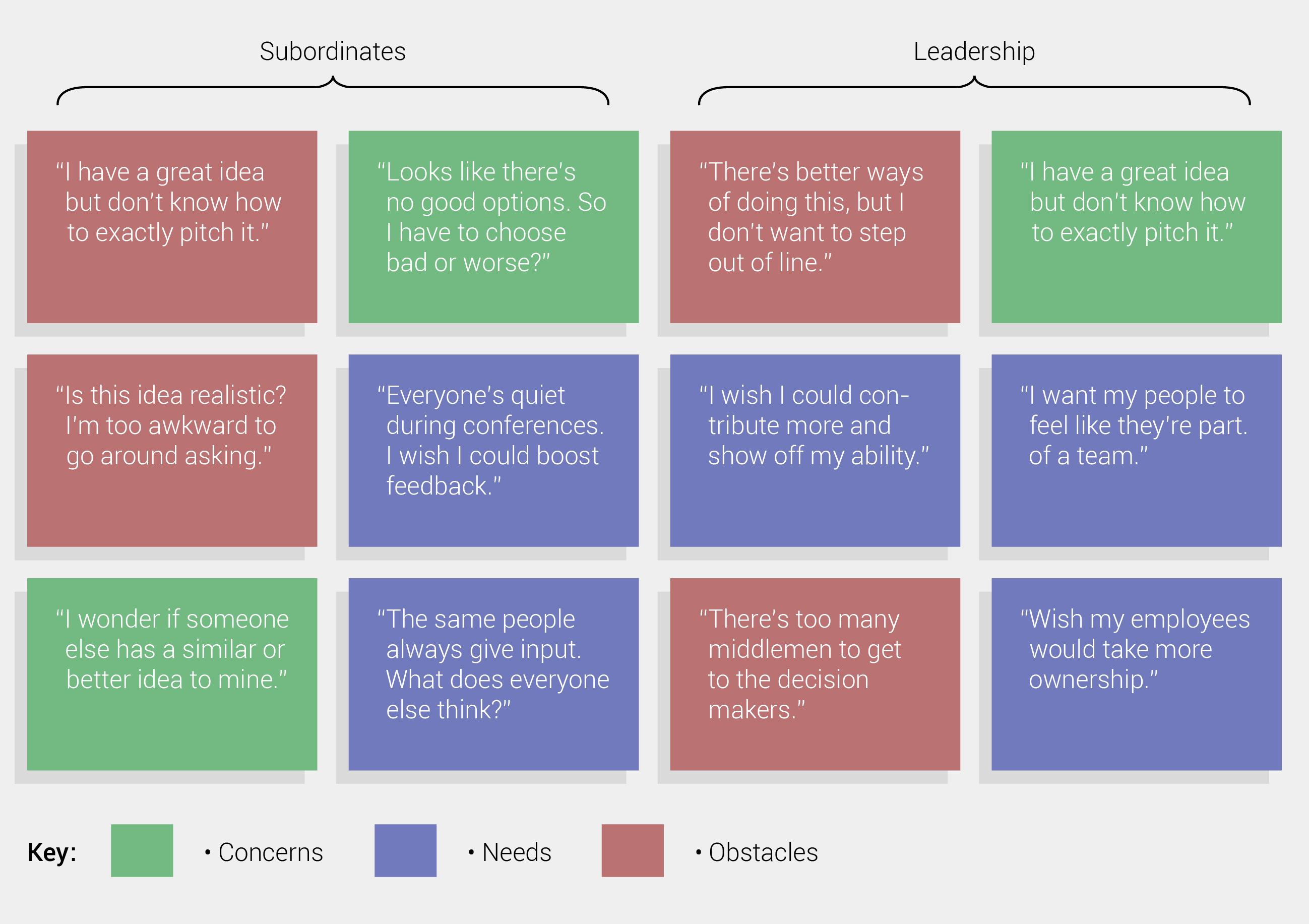
Mental models are visual representations of user motivationss. The model's upper hemisphere visually depicts the behavior of particular audiences, while the bottom half illustrates various methods of supporting matching behaviors. Solutions lie at the juncture of support and behavior. If desired behavior is not supported, this is a red-flag and further exploration becomes neccessary.
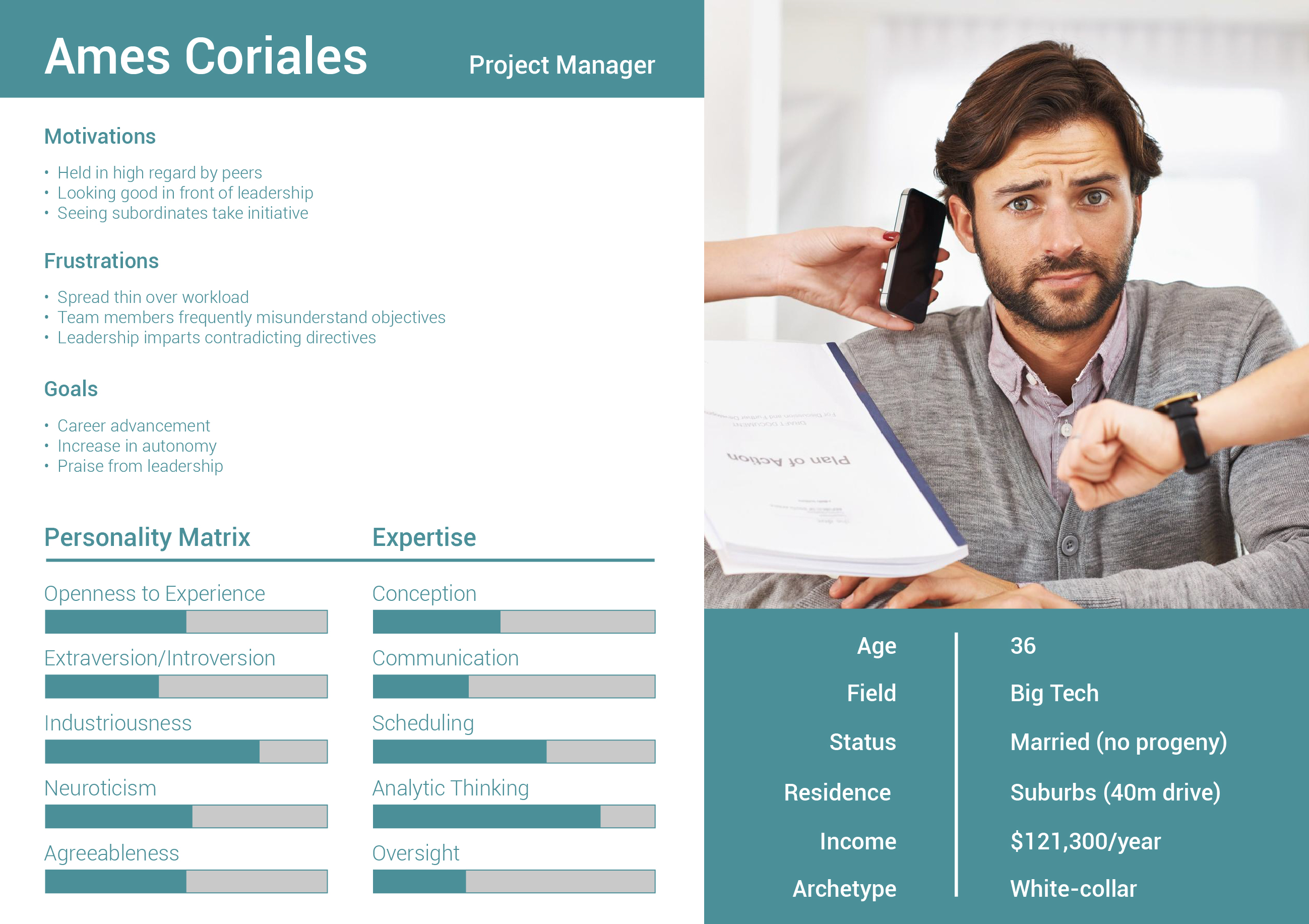
Personas are personifications of summarized research data into pseudo-personalities. User incentives, frustrations, and goals must be at the forefront of all UX. Creating personas are a helpful shorthand in allowing the team to stay abreast of the how-and-why behind addressing design solutions.
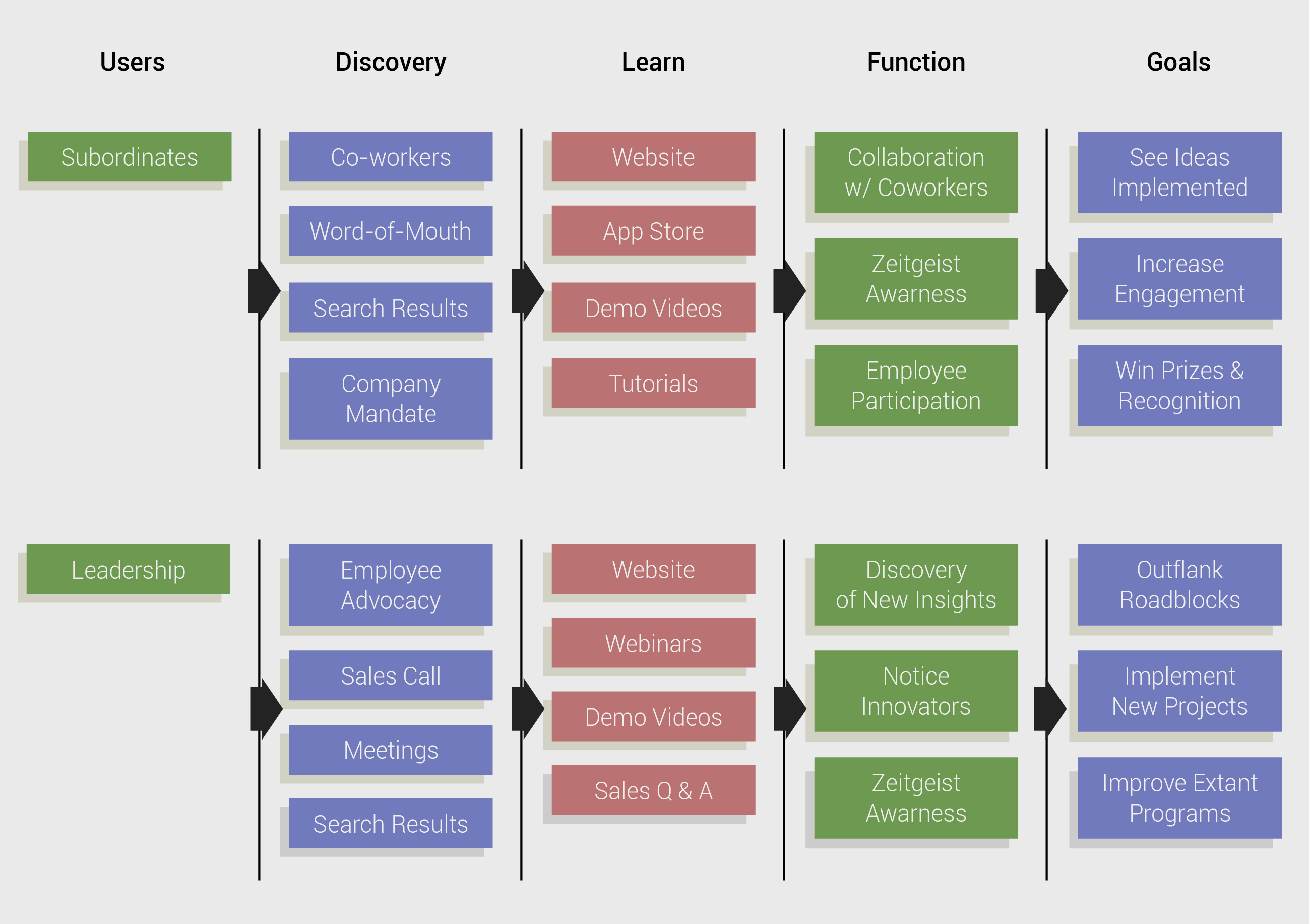
Following the formation of personas, predictions on how the app or site will help them acheive their goals and desires must be charted down. Key insights, such as how a user will discover your program or site, uncover what it offers, and how they will begin to use it are all laid out in this step.
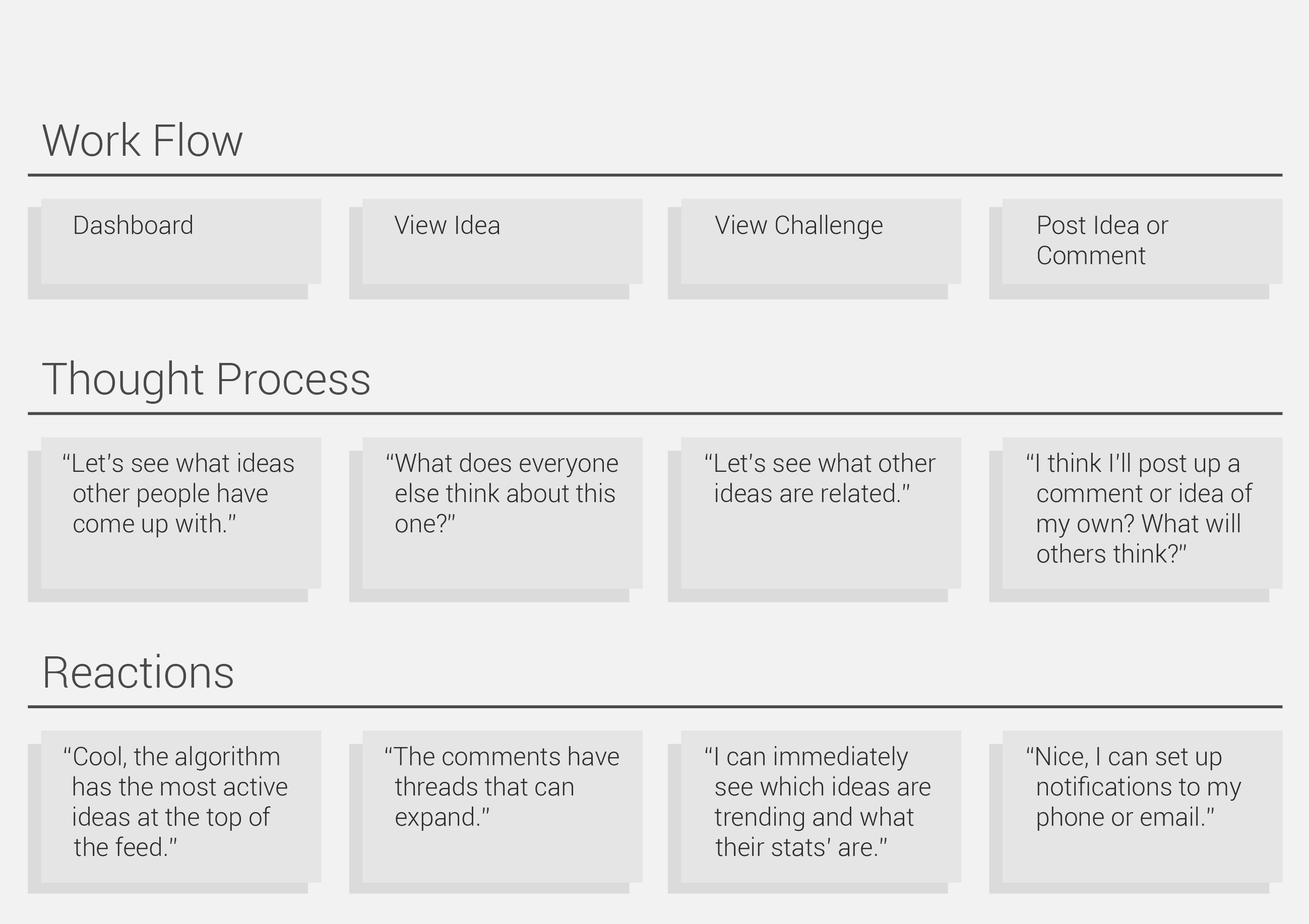
A task analysis adds further nuance to the aforementioned information by detailing probable user opinions at every phase of execution. Key to the UX/UI process, task analysis prevents the oversight of imminent frustrations and obstacles to functionality.
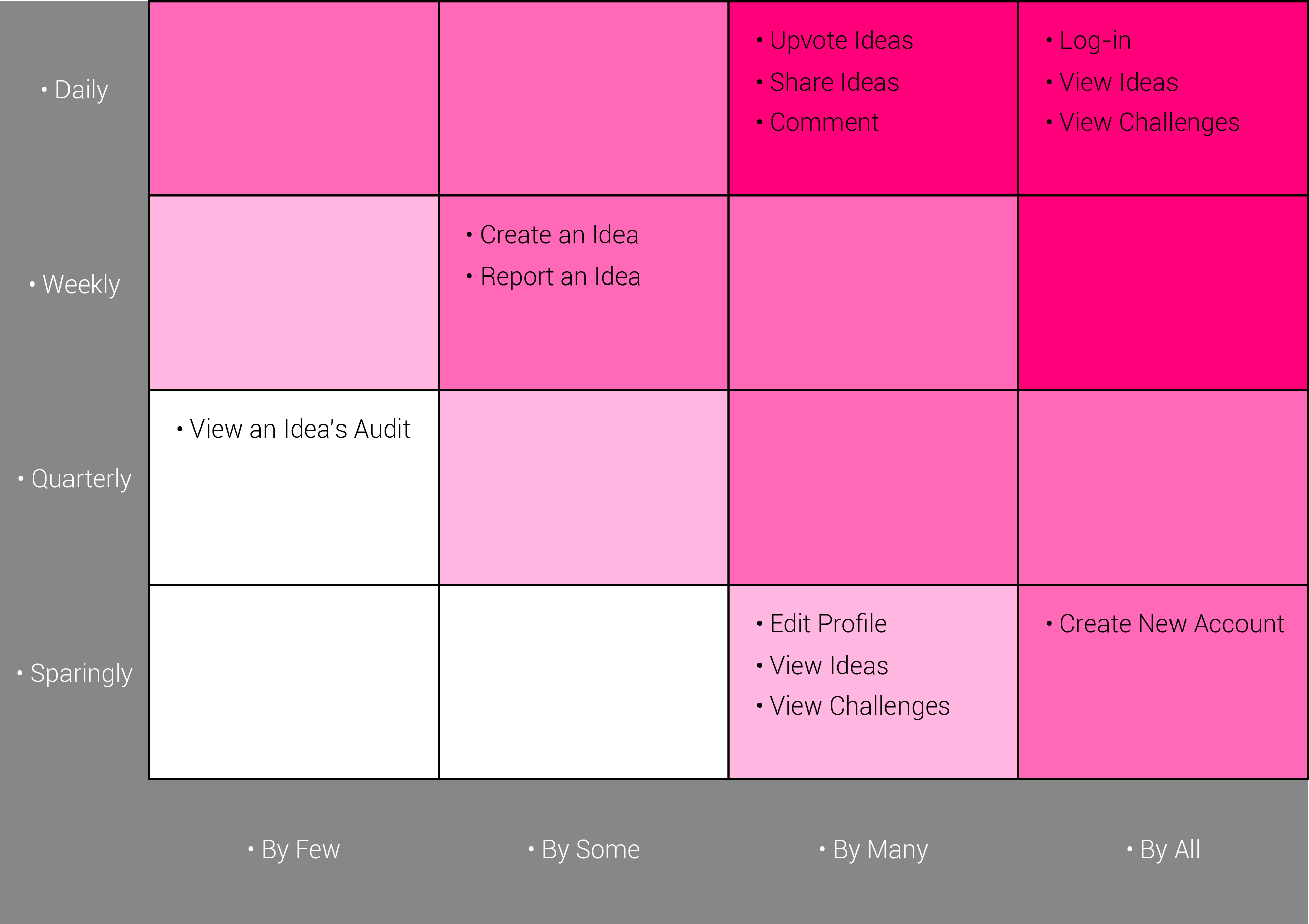
Commonly used functionalities must be readily accessible and easily accomplished, while more rarely used features should be out-of-the-way to diminish any chance of confusion. A layout which avoids prioritization is no layout at all.
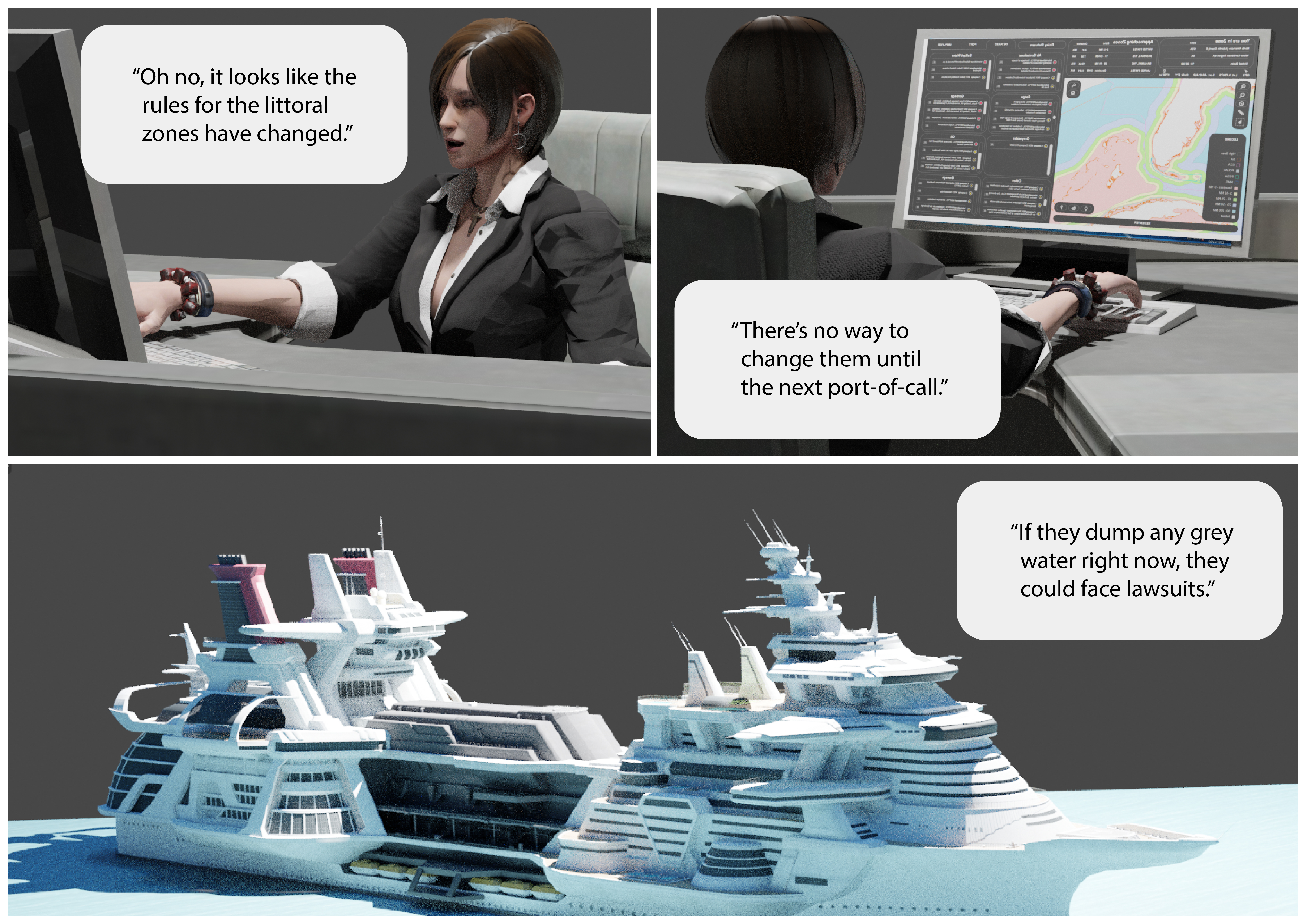
A proper storyboard must display the context, problem, and any user's fears or incentives. However, this exposition must also include proposals towards overcoming any addressed challenges. Proficiency in 3D programs such as Maya and Z-Brush grant concise, rapid, and easily comprehensible representations to any audience.
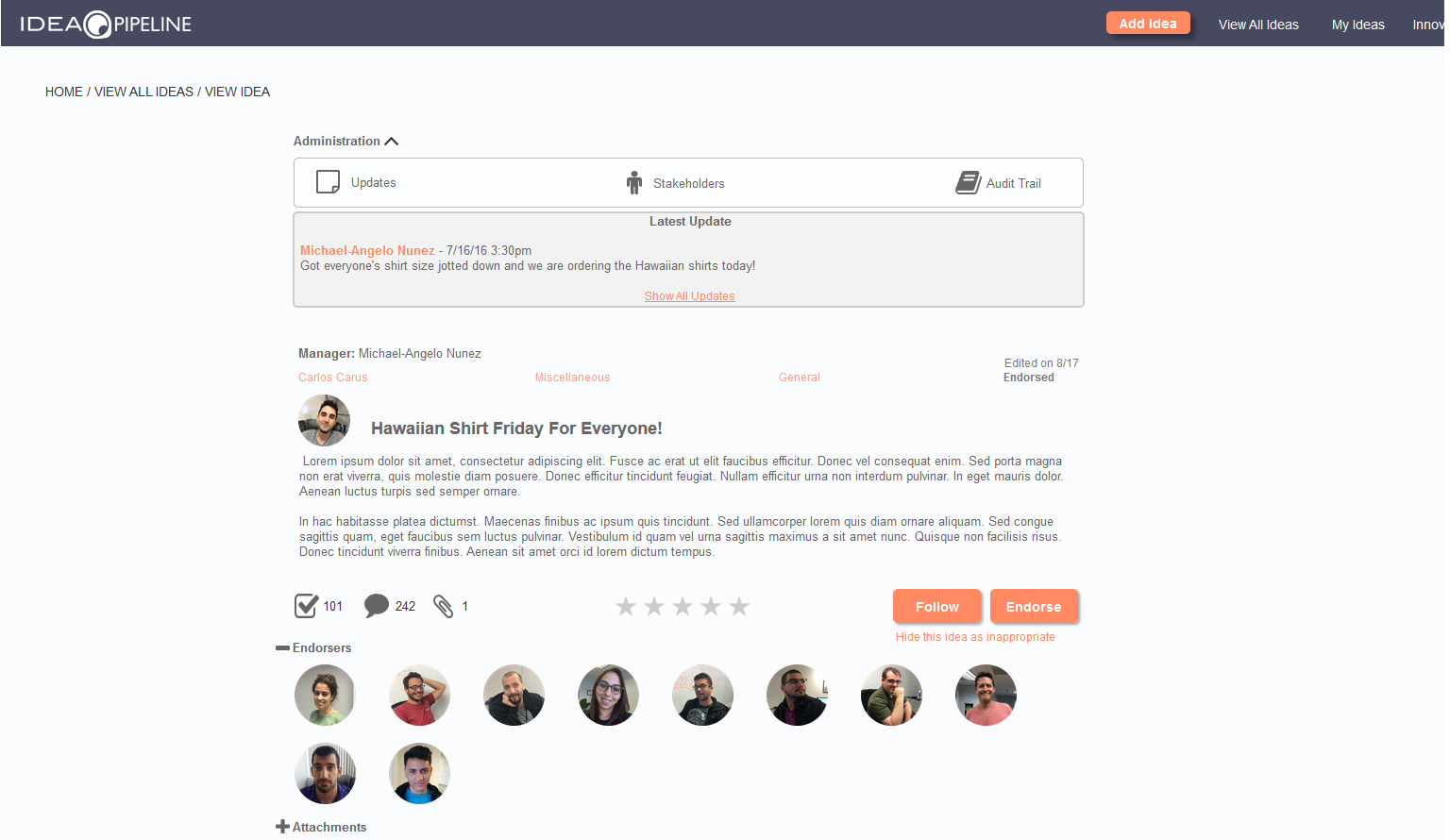
Initial iterations allow for creative probing and are important for deciding early on which conceptual directions to avoid. Content and functionality are delivered in their basest forms, and bereft of visual design and aesthetics, the basic structure is communicated while taking into account user needs and user journeys.
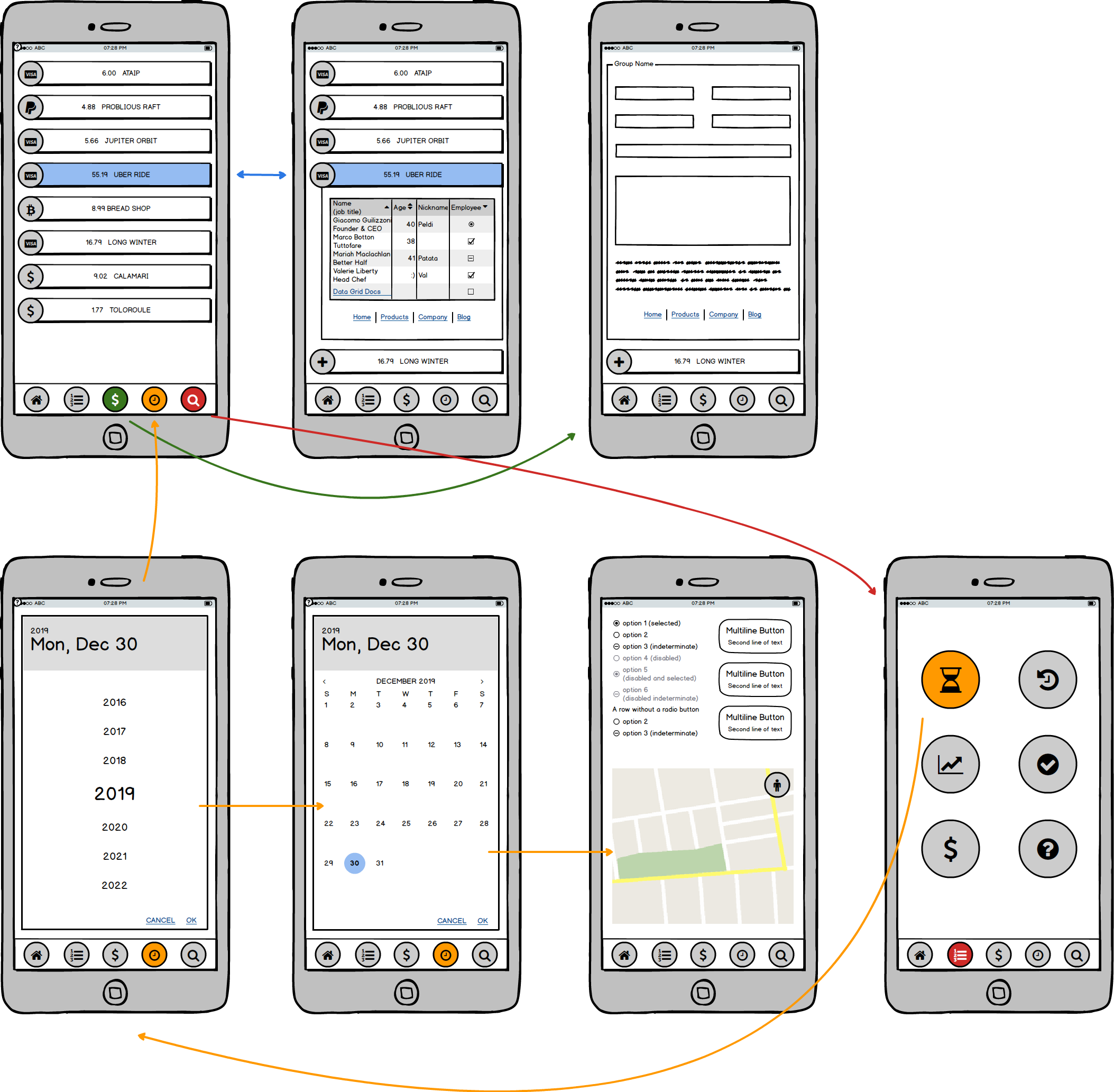
Wireframing programs like Balsamiq allow for painless and rapid experimentation while allowing real-time input from colleagues, relevant departments, and leadership.
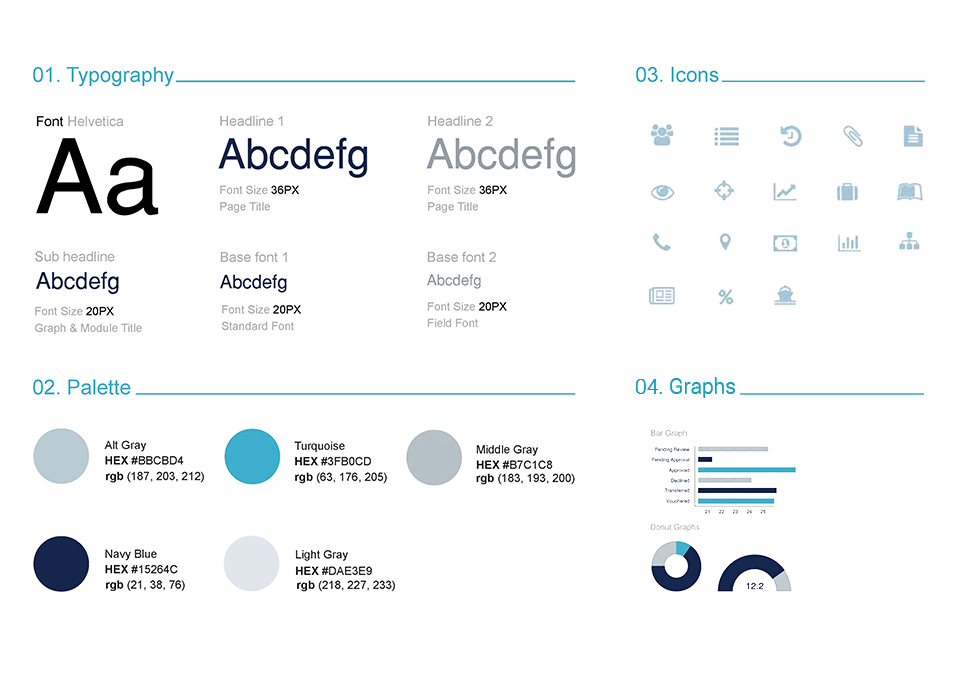
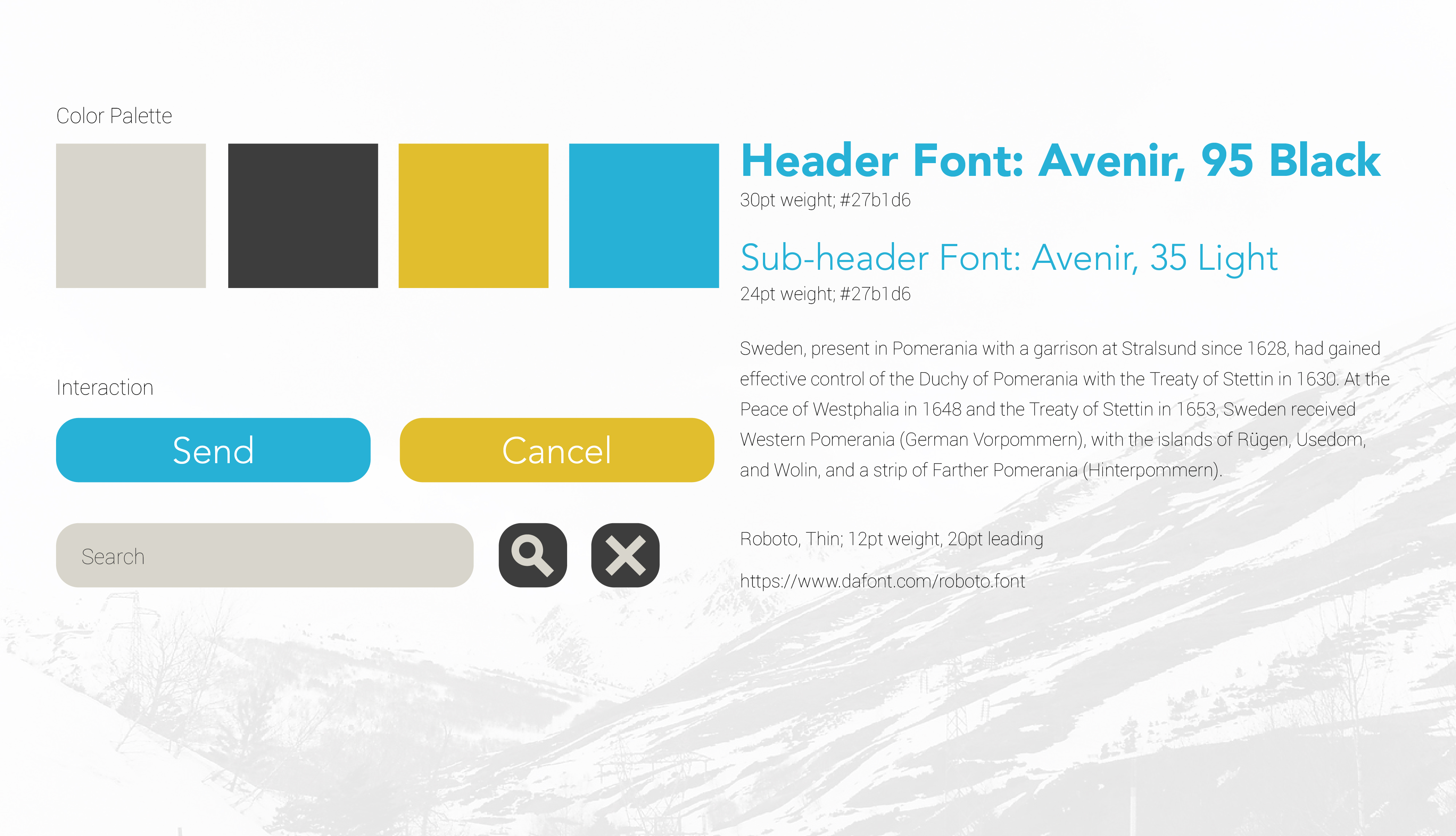
An element library is a fantastic means of jumpstarting the design language of a site or app even before the interaction and workflow schemes are finalized. Begin with iterating multiple variations of common, repeating UI elements (buttons, menus, etc.) found in similar products.
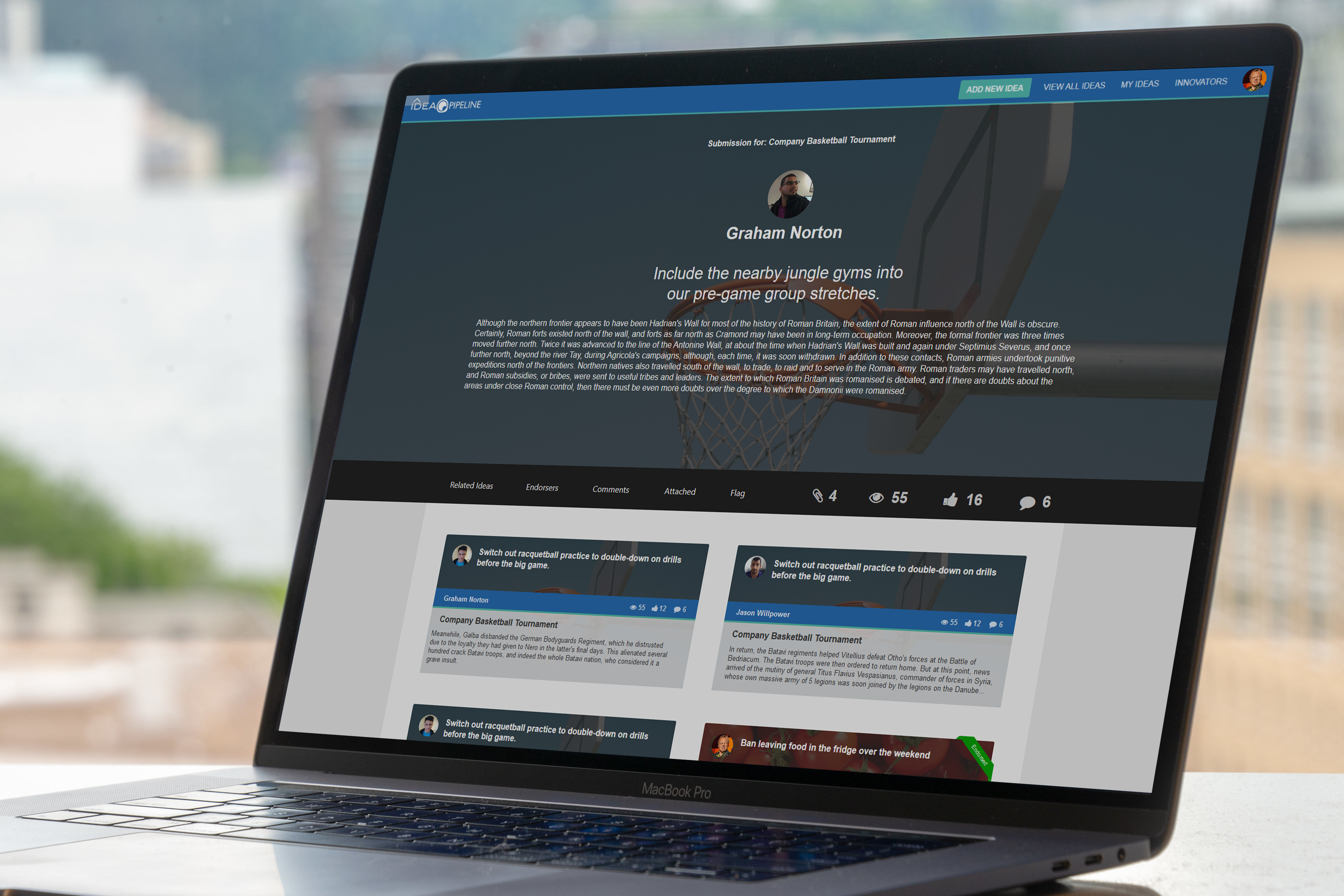
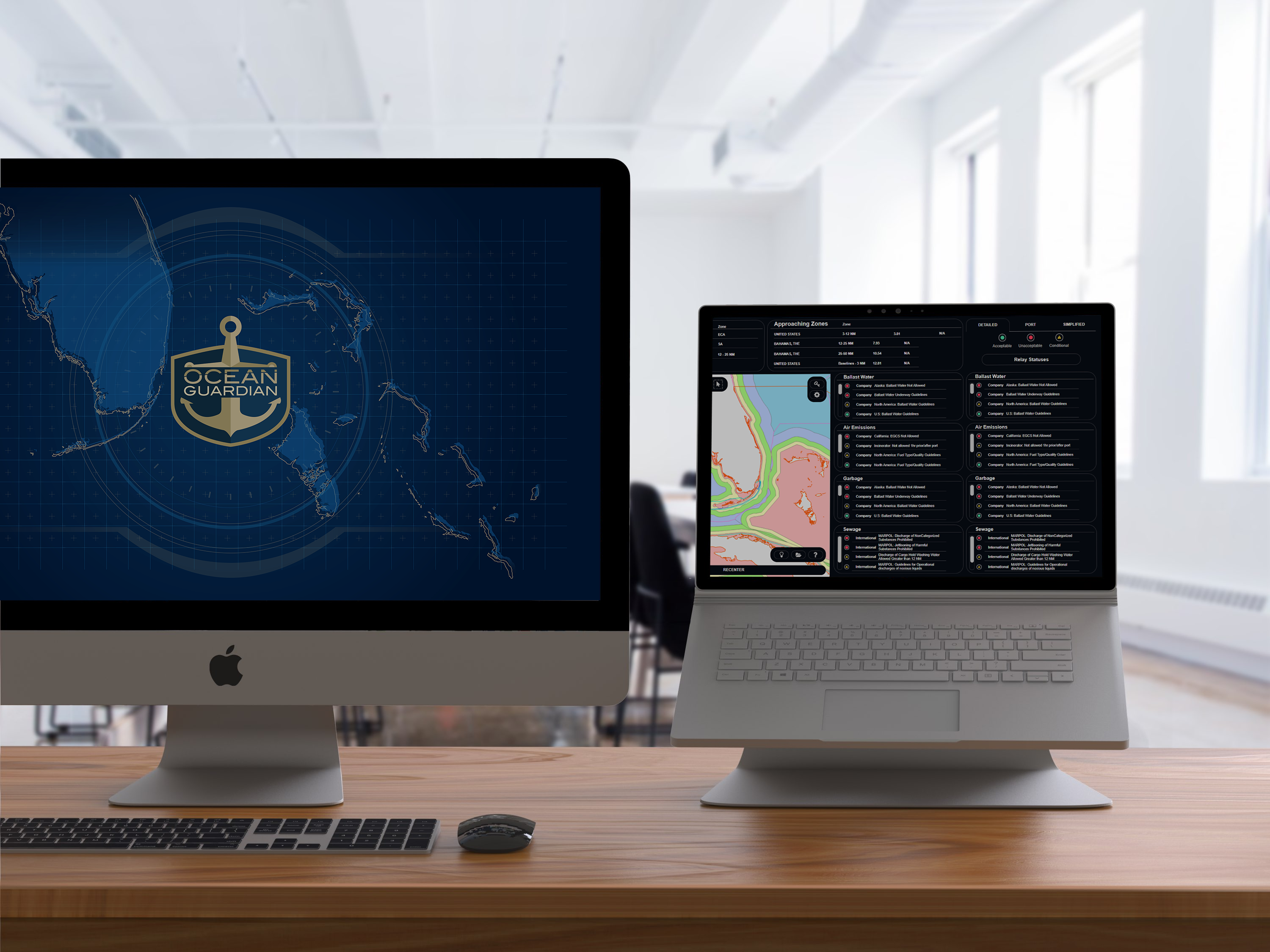
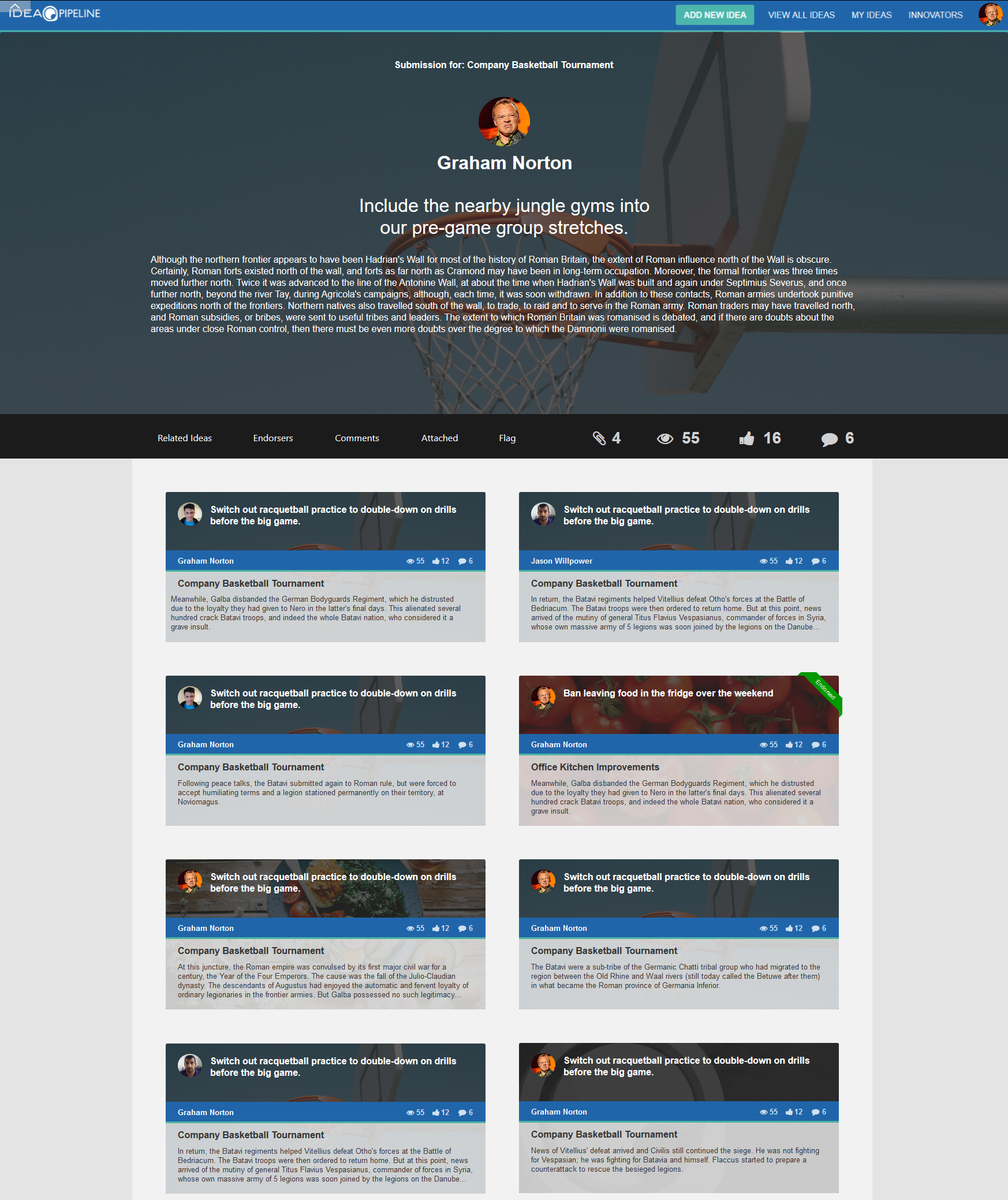
Fashion an interactable mock-up using programs like Axure RP. This is critical, as it allows for real-time presentations and demonstrations of the product's appearance and functionality even before it is created.
Aid the dev' pool by detailing specifications like margins, exact sizing, and relevant measurements for all web browsers, iOS, and Android resolutions. This cuts down on the workload for QA and greatly expedites the development process by ensuring the developers have a useful guide.
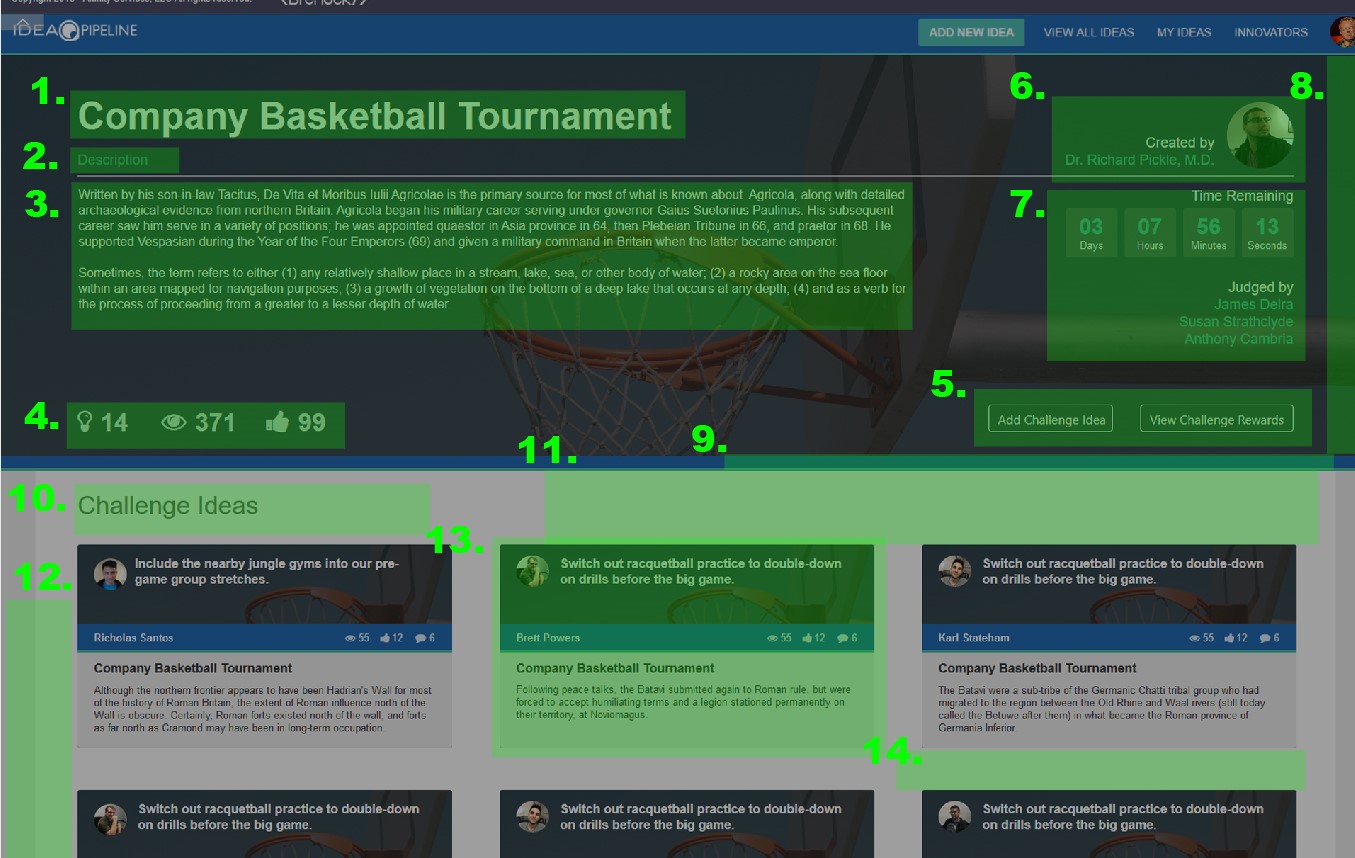
Help those from the future with notes and specifications written during and immediately following the project's completion. Plug any holes of understanding prior documents may have left out and minimize the possibility for a misunderstanding based upon incomplete or easily overlooked information.